LinkLayer vs Linktree: When to Graduate From a Link in Bio
Linktree earned its place. It turned "I can only put one link in my bio" into a solved problem for millions of creators, and for a brand-new account it's still the fastest way to get a working page up — free, in five minutes, no domain required. This isn't a takedown. It's an honest look at what a link-in-bio tool is built for, where it stops, and the point at which a creator who sells outgrows it.
What Linktree is genuinely good at
- Speed and simplicity. A usable page in minutes with zero setup. Nothing beats it for a first link in bio.
- A free tier that's actually usable. Most creators start (and many stay) on it without paying a cent.
- Recognition. Followers know what a Linktree is and trust the tap. That familiarity has real value.
If your bio link is a simple hub — a few links to your latest video, your newsletter, your Depop — Linktree is a fine answer and you can stop reading here. The rest of this is for creators whose bio link has become a storefront.
Where a link in bio stops
The moment you're using that page to sell — routing shoppers to products, tracking what converts, running seasonal edits — you start hitting the ceiling of a link list:
- It's a list, not a shop. A stack of text buttons isn't product cards with images, prices, and collections. Shoppers browse a shop; they scan past a list.
- It's on someone else's domain. Years of taps, backlinks, and printed QR codes build equity on linktr.ee/you, not on a domain you own. Switch tools and every link you've ever posted breaks at once — the point of our own-domain link in bio guide.
- The analytics stop at the click. A link-in-bio tells you a button was tapped. It doesn't organize your products, health-check dead destinations, or let you rank items by outbound clicks so you know what to feature next.
- Publishing isn't part of it. A link page is a destination. It doesn't help you schedule the Instagram and Pinterest posts that drive traffic to it in the first place.
What LinkLayer is instead
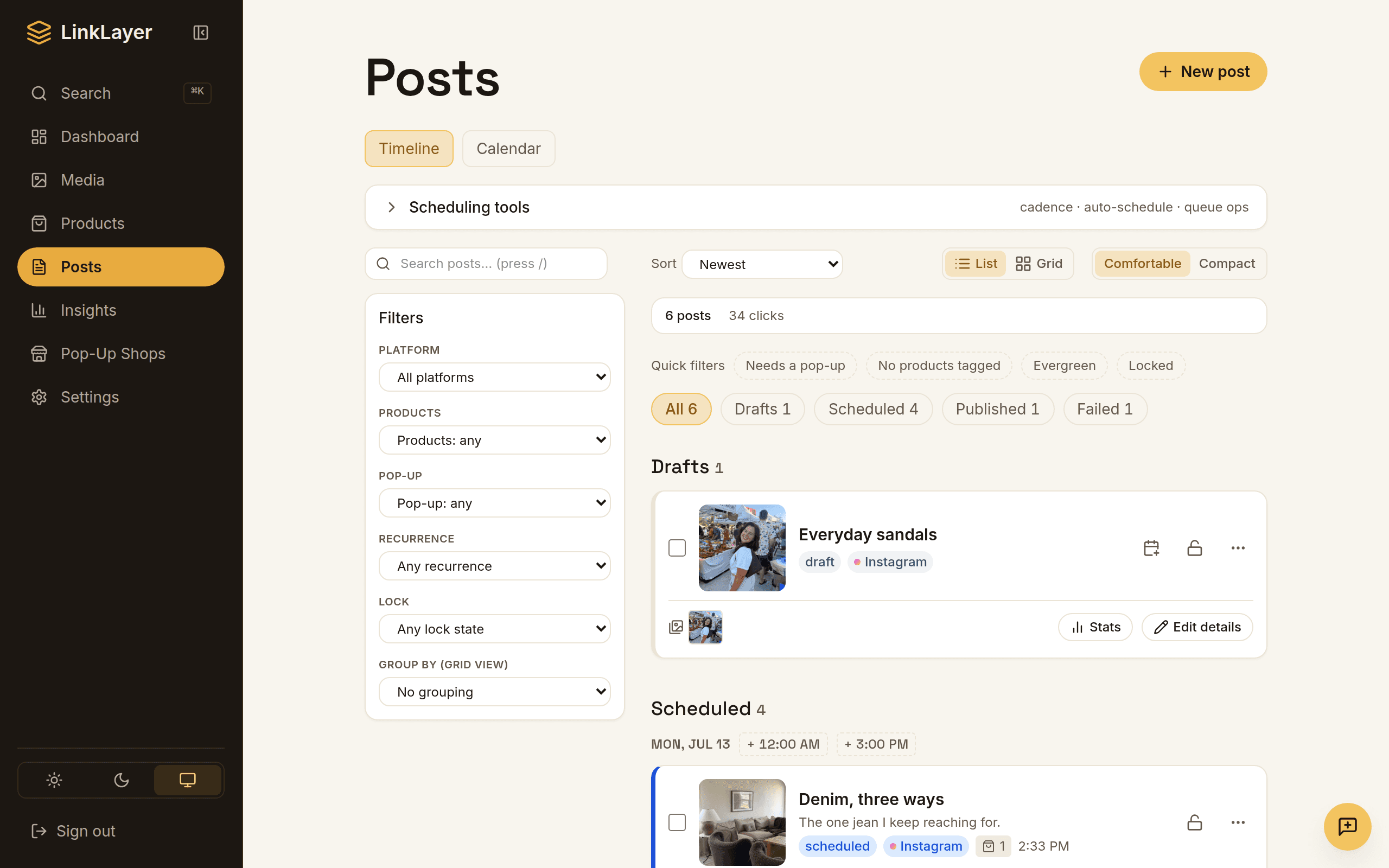
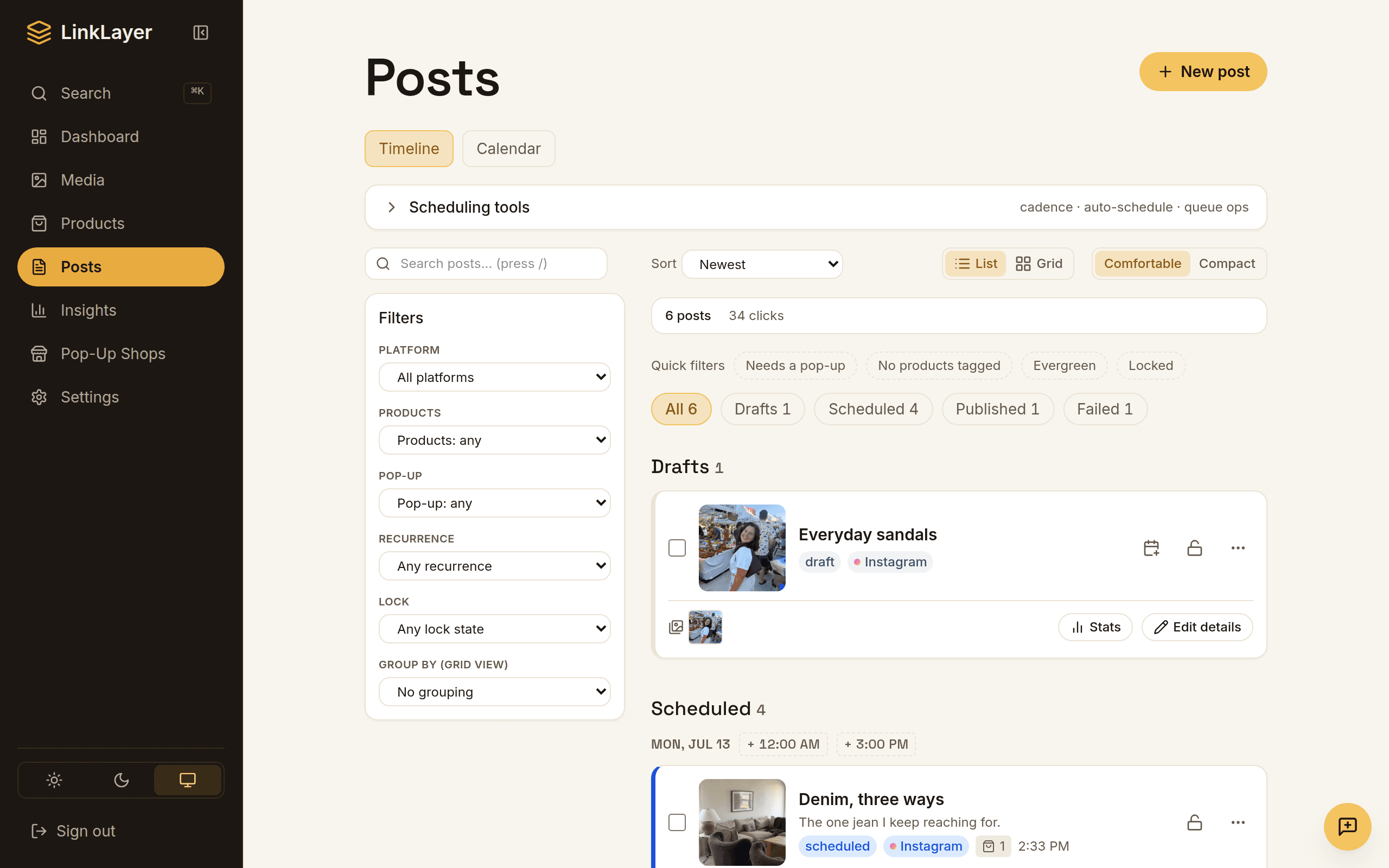
LinkLayer isn't a nicer list of links — it's the back-office behind a creator's whole content operation, with the storefront as one piece:
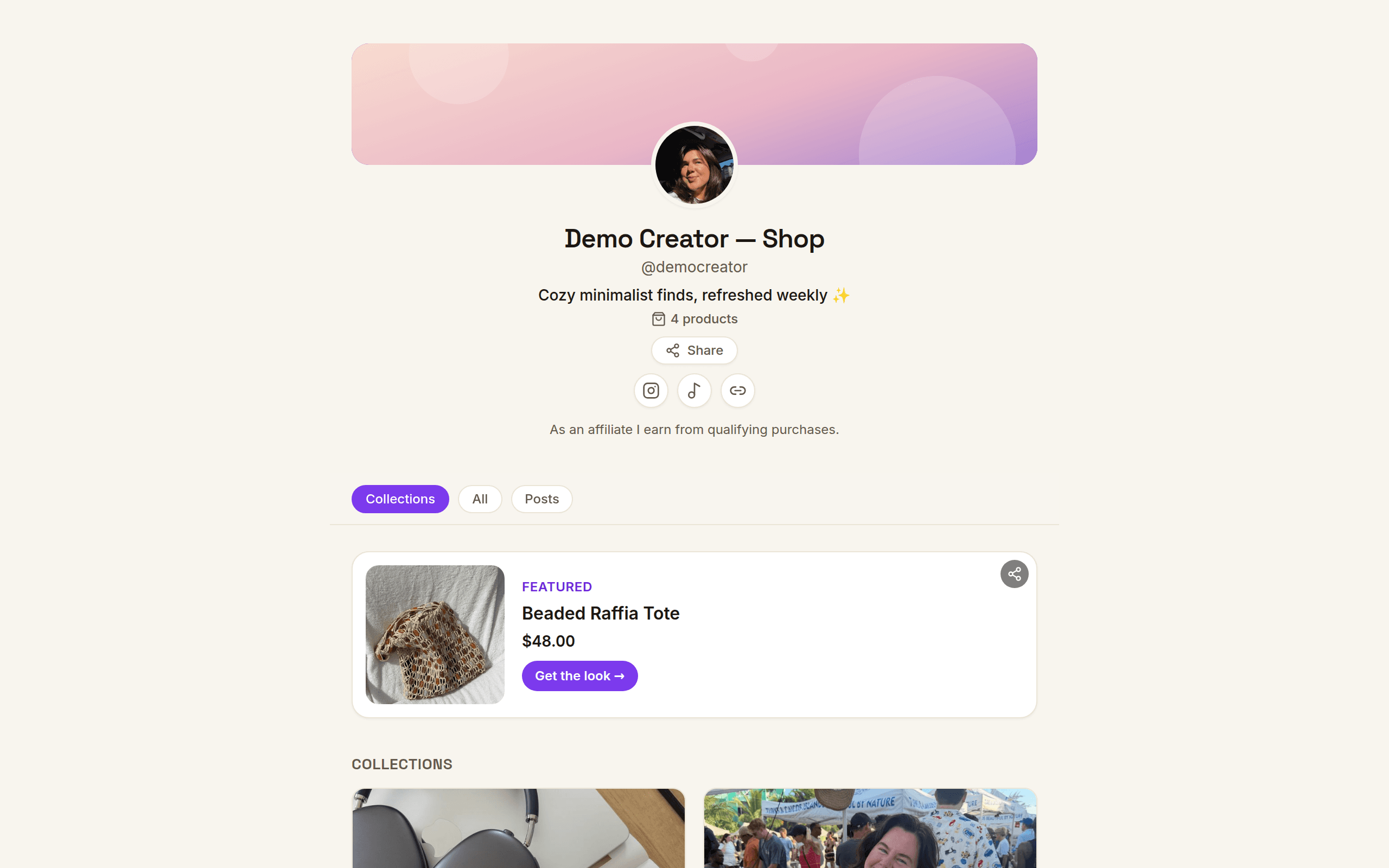
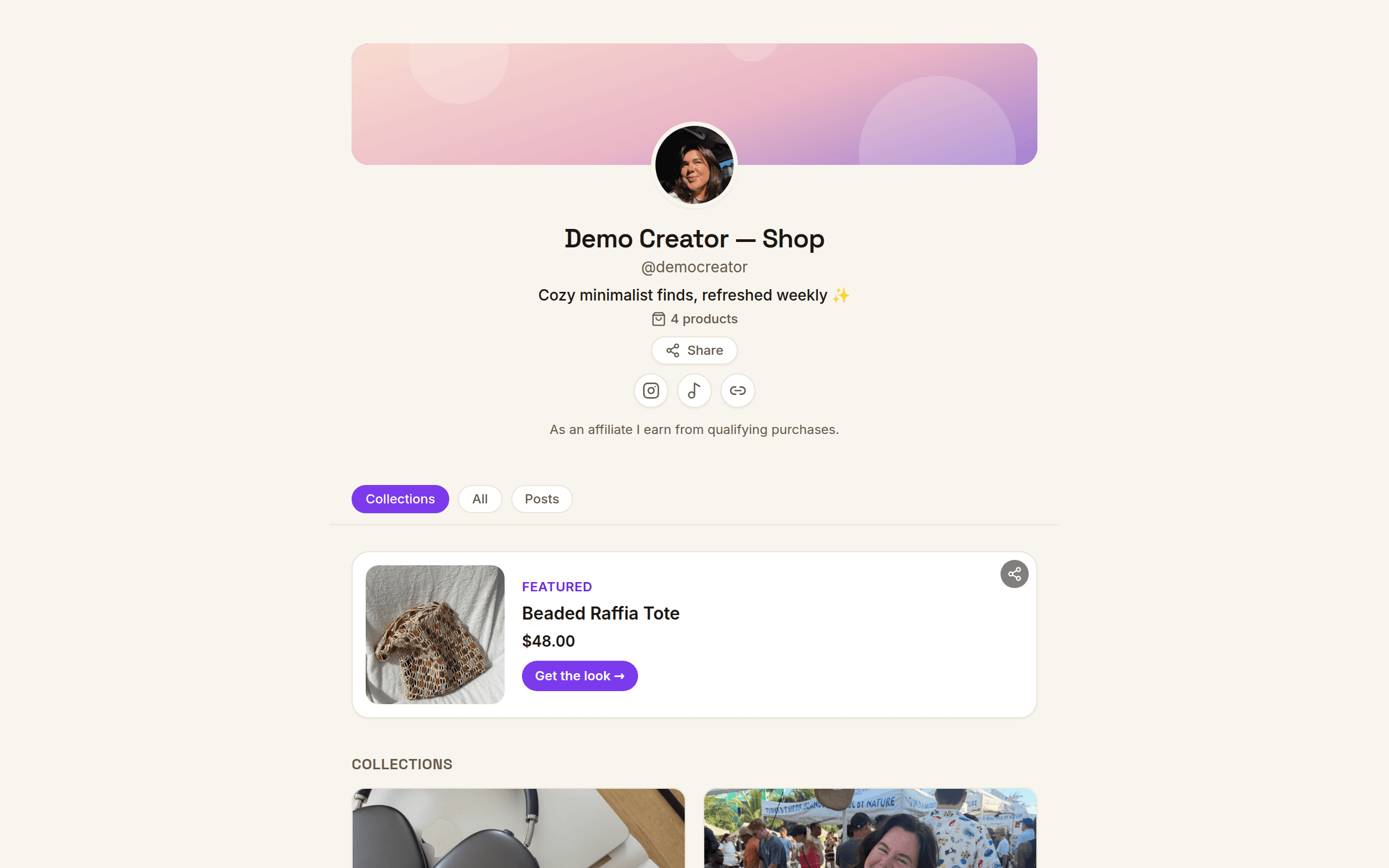
- A real storefront on your own domain. Product cards with images and prices, curated collections ("Summer edit", "My apartment"), embeddable into your blog and email — living on you.com, not a subdomain you rent.
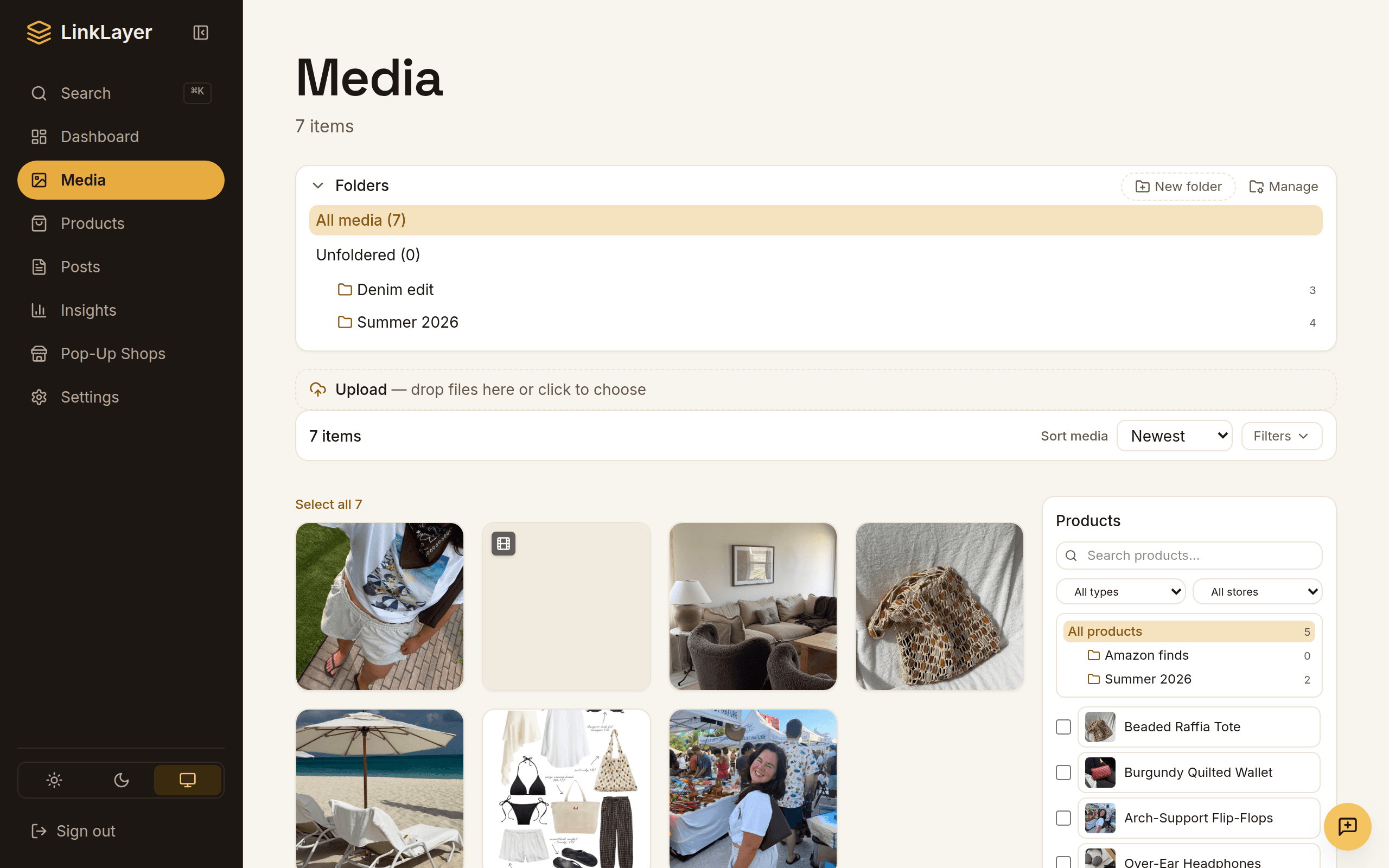
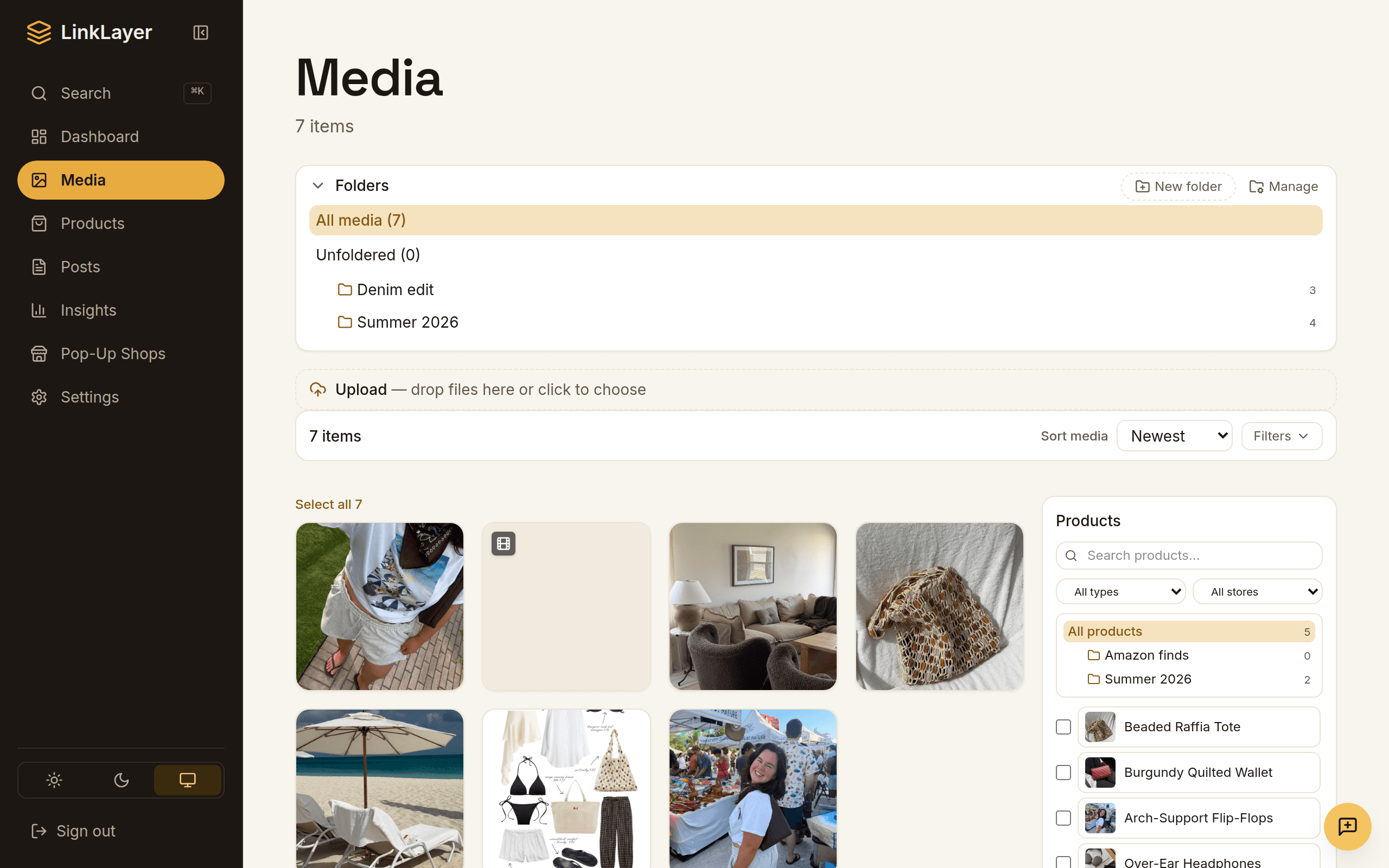
- Capture and organize. Save products as you browse, sort them into folders and tags, match them to your photos, and reuse them across posts and your shop.
- Scheduling. Queue posts to Instagram and Pinterest on your best times, with a ready-to-publish draft handed to you at the scheduled moment — the traffic engine a link page doesn't touch.
- Tracked links with health checks. Every product gets a short link on your own domain; clicks aggregate per product, dead destinations get flagged, and you can re-point a broken URL once to fix every post that used it.
On monetization, LinkLayer is deliberately plain: real Amazon links carry your own Associates tag, and tracked /r/ links on other retailers give you click analytics — not a commission the platform skims. One flat subscription, no cut of your sales.
The honest recommendation
Starting out, or just need a tidy hub of links? Use Linktree — it's great at that, and free. The day your bio link becomes where people actually shop — when you want product cards instead of buttons, your own domain instead of a rented one, and to know what's converting instead of just what got tapped — that's when you've outgrown a link in bio and want a content back-office. If you also run brand deals through a marketplace, LinkLayer sits alongside it; see how it fits with LTK and ShopMy.
FAQ
- Is LinkLayer a Linktree alternative?
- It can replace your link in bio, but it's more than one: LinkLayer is a content back-office — capture and organize products, schedule posts to Instagram and Pinterest, and run a shoppable storefront on your own domain. If you only need a simple list of links, Linktree is a fine, free choice.
- Can I move my Linktree to my own domain?
- Yes — that's a core reason to switch. Your LinkLayer storefront lives on a domain you own (via a CNAME), so the equity from your traffic and any printed QR codes build on your asset, and switching tools later never breaks your links.
- Is Linktree or LinkLayer cheaper?
- Linktree has a free tier that's hard to beat for a basic link hub. LinkLayer is a paid flat subscription because it does much more — scheduling, product organization, tracked-link analytics, and an own-domain storefront. The question isn't which is cheaper; it's whether your bio link has become a storefront that justifies the tools.
- Does LinkLayer post to my socials for me?
- It schedules and prepares your posts, handing you a ready-to-publish draft at the right time for Instagram and Pinterest — so your whole content calendar lives in one place instead of scattered across apps.